Establish Their Footprint

Get ahead of the digital curve by establishing your child's online accounts early, with proper parental controls already in place. Learn how to create email addresses, gaming accounts, and app profiles that set them up for safety from day one.
Key Takeaways
- –When and how to create email accounts for kids before they need them
- –Preemptively setting up parental controls on new accounts and devices
- –Choosing secure usernames and account settings that protect privacy
- –Establishing family email addresses and account recovery options
- –How to set up accounts with maximum safety settings from the start
Parental Controls
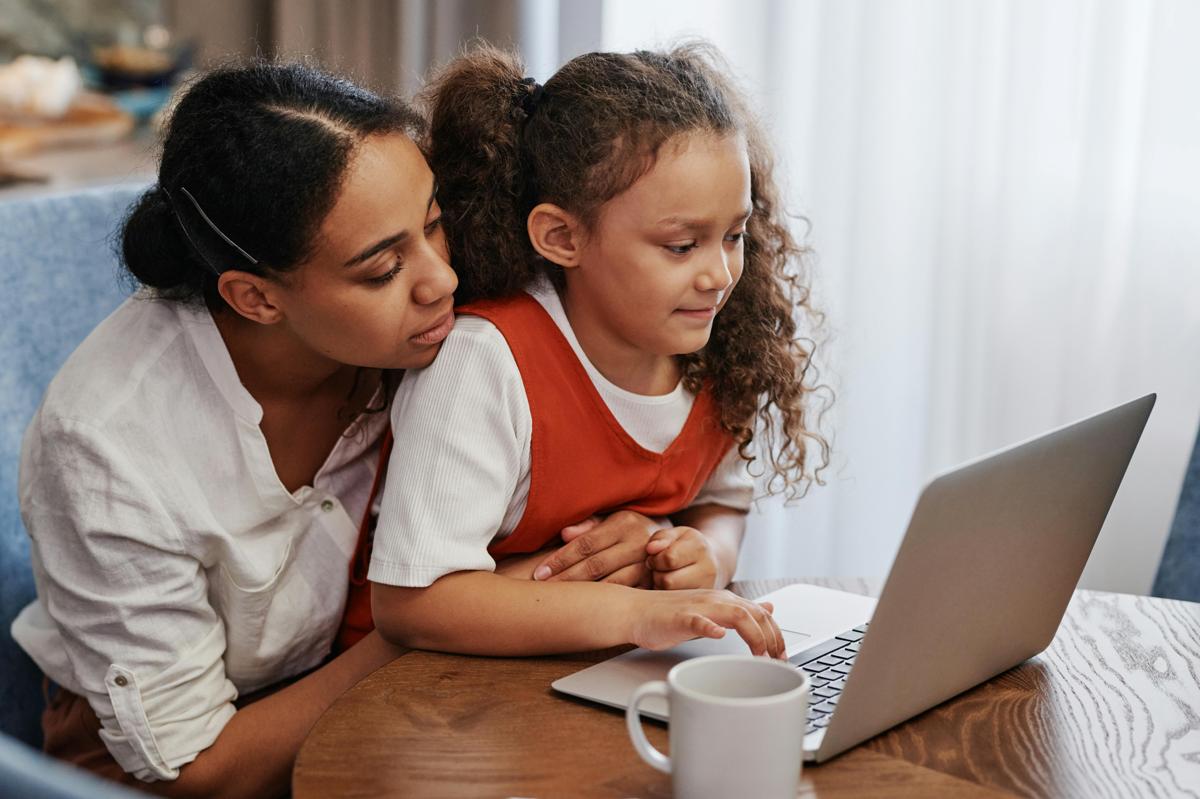
Families often hear "turn on parental controls" without clear guidance. We show what these tools actually do, what they don't do, and how to match them to your child's age and maturity.
Key Takeaways
- –The difference between filters, time limits, app approvals, and monitoring
- –How controls look on phones, tablets, game consoles, and streaming devices
- –Why controls are a support for parenting, not a replacement for it
- –How to adjust settings as kids grow, instead of "set and forget"
Gaming & Online Communities

We unpack the most common platforms kids use to play and socialize, and give families language and settings to keep those spaces safer.
Key Takeaways
- –How chats, friend requests, and servers work in popular games
- –Simple safety settings for voice/text chat and friend lists
- –Recognizing grooming, pressure, and "too good to be true" offers
- –Family rules for who kids can play with and how to respond to problems
Sharing Family Photos

Photos are how we celebrate our kids — but they can also reveal more than we intend. We help adults and kids think before they post.
Key Takeaways
- –What personal details a single photo can reveal (location, school, routines)
- –Safer ways to share milestones with friends and family
- –How to respect kids' privacy and consent as they grow
- –Talking together about what feels okay to share — and what doesn't
Bullying & Kindness Online
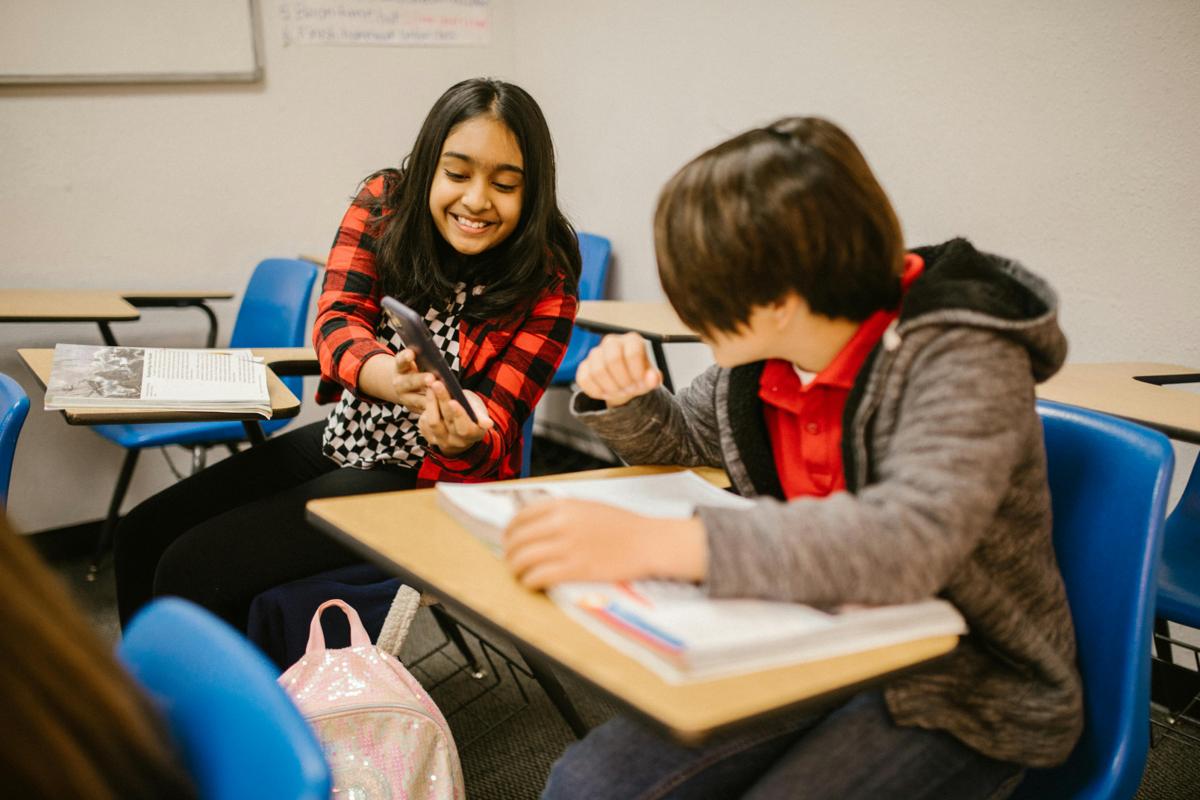
Bullying looks different at different ages, but the impact is serious. We focus on both protecting kids and helping them avoid harming others.
Key Takeaways
- –The difference between conflict, meanness, and bullying
- –What to do if your child is targeted — or is hurting someone else
- –Saving evidence, blocking/reporting, and when to involve school or law enforcement
- –Building a family culture of empathy, accountability, and repair
Don't See What You Need?
We can create custom technical workshops tailored to your community's specific needs. Whether it's a deep-dive into a particular platform, device-specific training, or addressing unique safety concerns, we're here to help.
